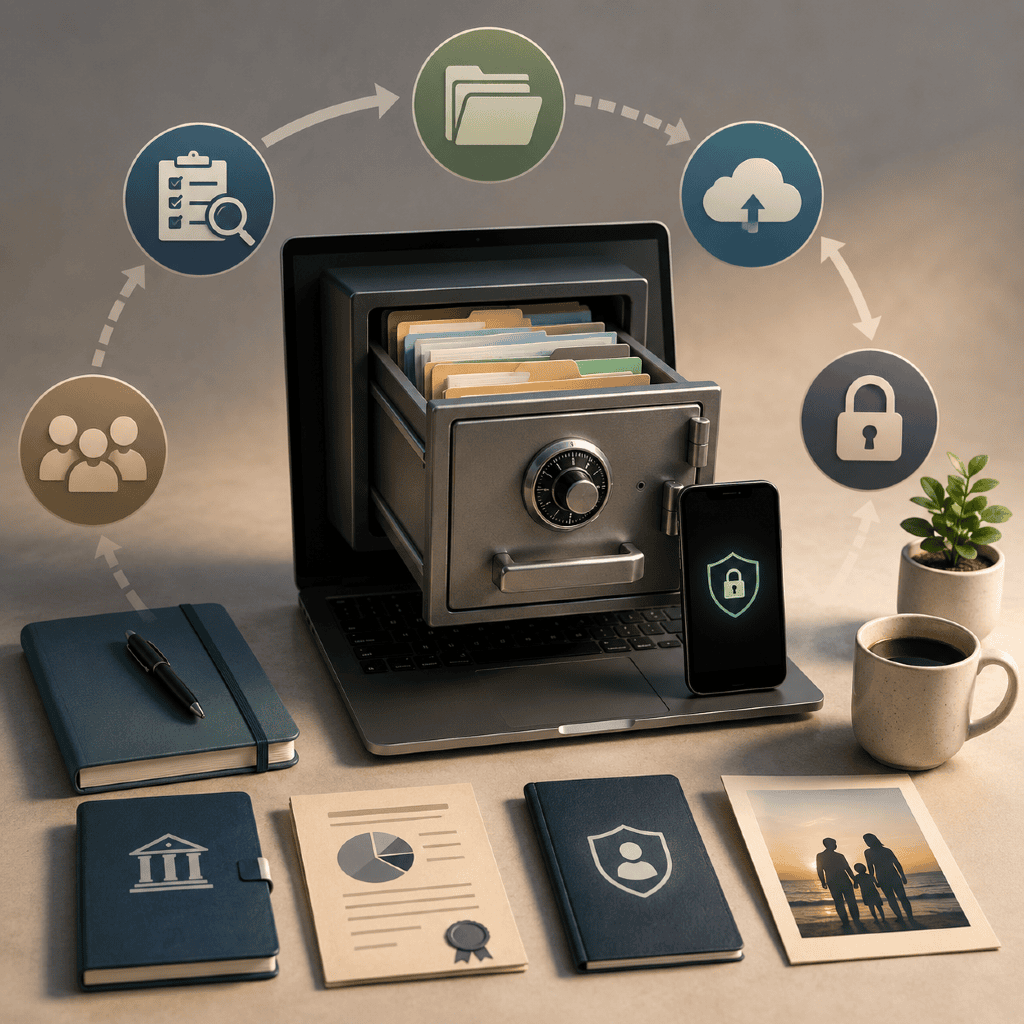
Key Takeaways
- Effective digital asset planning ensures your retirement documents are secure, accessible, and easier to manage.
- A methodical organization process protects your records and provides peace of mind for you and your loved ones.
Did you know that many retirees feel uncertain about the security and accessibility of their digital retirement records? Organizing these assets methodically can provide greater peace of mind and clarity for you and your loved ones. Here, you’ll discover a practical, step-by-step approach to securing your retirement documents and maintaining digital order for years to come.
What Is Digital Asset Planning?
Definition and scope explained
Digital asset planning refers to organizing, managing, and securing your digital information to ensure seamless access during retirement and beyond. This includes establishing processes for storing and sharing important records, designating who may access them, and protecting your personal information. It plays a vital role in comprehensive retirement organization: just as with physical assets, your digital footprint holds immense value.
Examples of digital retirement records
Digital retirement records can include a variety of files and data, such as:
- Electronic copies of Social Security benefit statements
- Pension, 401(k), or IRA account documentation
- Scanned wills, trusts, or powers of attorney (for reference only)
- Healthcare coverage summaries
- Tax documents related to retirement income
- Statements and correspondence from retirement plan administrators
- Securely stored access credentials to online retirement platforms
Why Organize Retirement Documents Digitally?
Benefits of digital records
Digital organization offers clear advantages over paper-only systems. Digital records are easier to back up, less prone to damage or loss, and can be accessed from almost anywhere. With well-organized digital files, you reduce clutter and the frustration of misplaced paperwork, saving considerable time when documentation is required—for tax filing, healthcare verification, or estate planning.
Risks of disorganized assets
On the other hand, poorly managed digital retirement assets can create confusion, stress, or even missed deadlines. Disorganization means that loved ones may not have access to essential records if something happens to you, and outdated or incomplete files can lead to errors or delays in financial and healthcare matters.
Step 1: Identify Your Digital Assets
Types of retirement documentation
Begin by taking stock of all digital retirement assets. These typically include statements, benefit summaries, pension documents, tax records, and confirmation notices from retirement accounts. Don’t forget insurance coverage summaries, end-of-year forms, or scanned copies of beneficiary designations relevant to your retirement planning.
Common account access locations
Digital retirement files might be stored on computers, email accounts, cloud storage, or password-protected websites. List out each storage location and note any specific access requirements, such as multi-factor authentication or security questions, to prevent losing track of where key information lives.
Step 2: Create a Comprehensive Asset Inventory
Listing retirement accounts and records
Document every retirement account and related record systematically. For each, record the account type (such as Social Security, pension, or individual retirement account), the provider or administrator, the online login, and a description of typical documents you store digitally.
Maintaining an updated record
Set a routine—perhaps once or twice a year—to update your asset inventory. Remove closed accounts, add new accounts, and revise any details that have changed to keep your digital inventory reliable and current.
Step 3: Organize Files and Folders Securely
Effective folder structures
Designing a logical folder structure can save time and reduce stress later. Choose a format that reflects how you think about your finances. For example, you might create a folder called “Retirement Records,” and then subfolders such as “Statements,” “Tax Documents,” “Healthcare,” and “Legal.”
Naming conventions for clarity
Use clear, consistent file names that make retrieval easy. For example: “401k_Statement_2026-03.pdf” or “Medicare_AnnualSummary_2026.pdf.” Avoid vague naming like “scan1.pdf.” Good naming practices make it much easier to find records and distinguish between years or providers.
Step 4: Use Strong Password Management
Password best practices
Select robust, unique passwords for each online account associated with your retirement. Strong passwords typically use a combination of upper- and lower-case letters, numbers, and special symbols. Don’t reuse passwords between sites—instead, opt for complexity and variety.
Options for secure storage
Store passwords in a reliable, encrypted password manager, rather than writing them down or reusing passwords for convenience. Many modern password tools can also store secure notes, recovery keys, and even share access with trusted individuals if required. The key: keep access to your most sensitive digital retirement data as secure as feasible, balancing ease with safety.
Step 5: Back Up Records Regularly
Backup methods for retirement files
Consider multiple backup methods to protect sensitive retirement documents. You can use secure cloud storage with encryption, an external hard drive stored in a safe location, or specialized backup devices. Redundancy reduces the risk of total data loss, whether due to hardware malfunction or unforeseen events.
Frequency and verification tips
Update your backups at regular intervals—quarterly or biannual updates are common for retirement documents. After backing up, periodically check to ensure your backups are accessible and that files are intact. Selecting encrypted backup options increases the overall security of your digital asset plan.
Step 6: Set Up Digital Access for Loved Ones
Access instructions and permissions
Establish written instructions for accessing critical retirement documents. Clearly state where files are stored, list necessary login credentials, and describe any required authentication steps. This proactive organization helps ensure files are accessible if someone needs to manage your affairs in your absence.
Designating trusted individuals
Name at least one trusted individual—a spouse, adult child, or designated power of attorney—who knows your digital asset plan and how to access files if necessary. It’s wise to formalize this arrangement in written documentation kept securely but separately from the files themselves.
Step 7: Review Security Measures Annually
Updating passwords and permissions
Modern security threats evolve, so plan an annual review of your digital retirement systems. Update passwords, adjust user permissions if anyone’s access should change, and review all authorized access points for accuracy.
Checking for obsolete documents
Remove outdated, duplicated, or unnecessary records. Keeping your digital folders organized saves space and streamlines file searches, reducing the chance of confusion later. This annual audit keeps your plan up-to-date and responsive to life changes.
What Are Common Digital Asset Pitfalls?
Overlooking essential documents
A frequent oversight is missing or neglected files—such as beneficiary designations, health coverage statements, or finalized account closure notices—which may be critical in future planning or claims.
Risks in outdated information
Retirement documentation loses value if it’s not kept current. Holding onto obsolete files or outdated login credentials can put you at risk for errors in benefits administration or slowdowns in estate management. Regular reviews prevent these pitfalls and keep your records effective.