Key Takeaways
- Simple, consistent cybersecurity habits can greatly reduce retirees’ risk of online fraud and identity theft.
- Balancing convenience with security is essential—safeguard your data without feeling overwhelmed by technology.
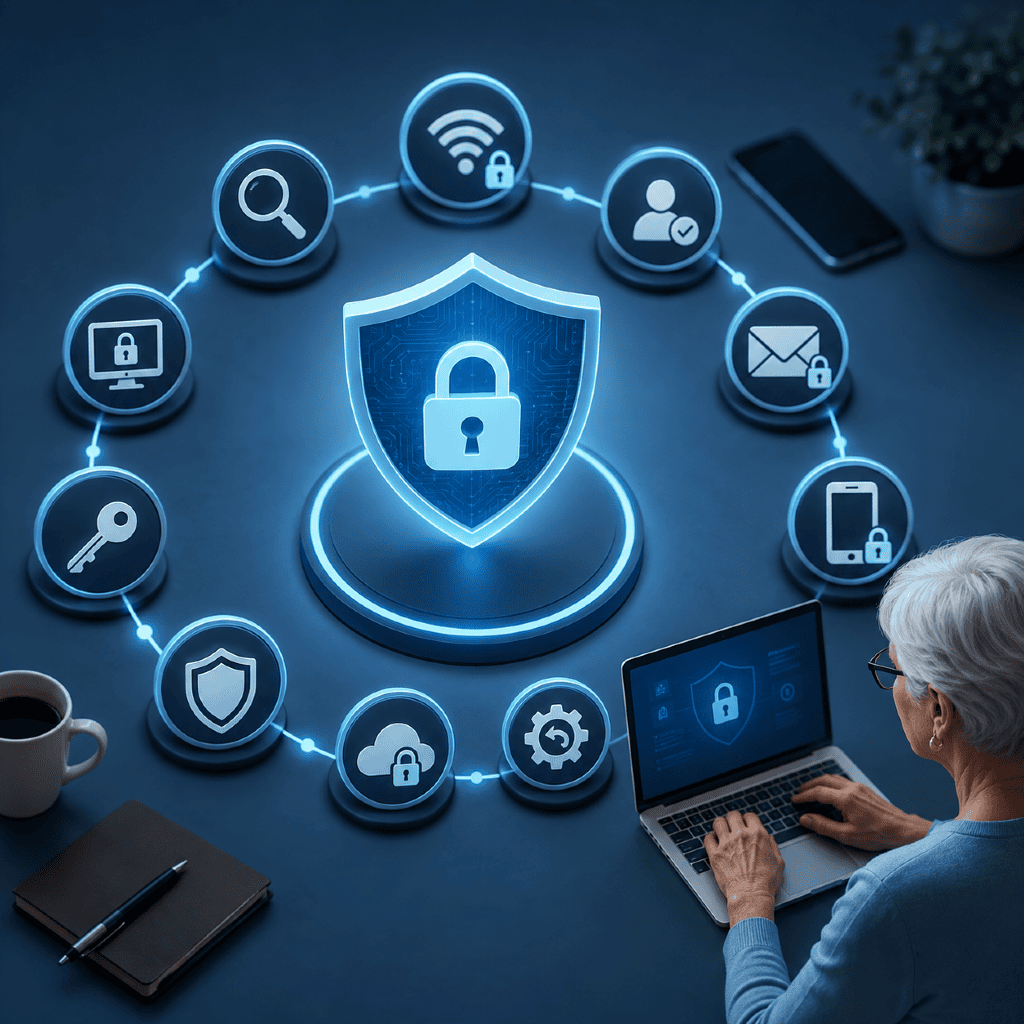
As more retirees engage in online banking, shopping, and socializing, cybersecurity becomes just as vital as locking your doors at night. This guide walks you through ten essential steps you can take to keep your personal information secure without unnecessary complexity.
Why Cybersecurity Matters in Retirement
Increasing Digital Threats
The digital landscape changes quickly. With each advancement in how you access your accounts or communicate, scammers and cybercriminals adapt their tactics. The reality is that retirees are frequently targeted due to predictable income patterns and less familiarity with the latest scams.
Retirees’ Unique Risk Factors
Retirees often manage sensitive information online—like retirement savings, Social Security, or healthcare details. Limited experience with new tech, or reliance on shared devices, can increase vulnerability. Understanding these risks is the first step to staying protected.
What Are Common Cybersecurity Risks?
Phishing and Scam Emails
Phishing emails and text messages are designed to trick you into revealing login credentials or clicking links that can infect your device. They often appear urgent or impersonate trusted organizations, making them especially persuasive.
Identity Theft Concerns
Cybercriminals may gather even small pieces of personal data to commit identity theft. This puts your financial security at risk, with potential long-lasting effects on your credit and peace of mind.
Step 1: Use Strong, Unique Passwords
Password Managers Explained
Using complex and unique passwords for each account dramatically improves security. Password managers are secure tools designed to store and generate strong passwords, so you don’t have to remember them all.
Pros and Cons of Complex Passwords
Pros: Strong passwords are crucial for blocking unauthorized access. Password managers make handling multiple credentials easier. Cons: Learning to use a password manager may take time. Relying on complex passwords without a manager could lead to forgetting important logins.
Step 2: Enable Two-Factor Authentication
How Two-Factor Authentication Works
Two-factor authentication (2FA) adds a second step to your login process, such as entering a code texted to your phone along with your password. This makes it much harder for someone to access your accounts, even if they know your password.
Potential Drawbacks to Consider
Pros: Greatly increases account safety. Even if a password is compromised, access is blocked without the second factor. Cons: Can be inconvenient if you don’t have your device nearby, or if you lose access to your backup methods.
Step 3: Secure Home Wi-Fi Networks
Changing Default Settings
Out-of-the-box routers use generic usernames and passwords. Changing these defaults, naming your network something neutral, and enabling strong encryption helps keep neighbors—and criminals—out of your connection.
Privacy and Protection Considerations
Pros: Securing Wi-Fi prevents unwanted users from intercepting your internet traffic. It keeps online activities private. Cons: Updating settings can be technical, and may require some patience or assistance.
Step 4: Update Devices Regularly
Why Updates Matter
Device manufacturers frequently release updates to patch security vulnerabilities. Ensuring your phone, tablet, or computer is up-to-date closes gaps that hackers often exploit.
Pros and Cons of Automatic Updates
Pros: Automatic updates take the guesswork out of staying protected. They ensure new risks are addressed quickly. Cons: Occasional changes in device behavior or unexpected restarts may occur, which can be confusing at first.
Step 5: Recognize Suspicious Communications
Spotting Red Flags
Learn to look for urgent requests, unfamiliar senders, or unexpected links in emails or messages. Typos or slight changes in branding can be clues that something isn’t legitimate.
Awareness Without Feeling Overwhelmed
Pros: Increased awareness dramatically reduces scam risk. Trusting your instincts can prevent most attacks. Cons: Constant vigilance can be tiring. Over time, it’s easy to tune out warnings—regular reminders help.
Step 6: Limit Personal Information Online
How Much Is Too Much?
Only provide necessary details when filling out profiles, surveys, or forms, especially on social media. Each extra bit of personal information can help a criminal create a more convincing scam.
Managing Digital Footprints
Pros: Limiting your online presence makes it harder for criminals to target you. Cons: Some online services require certain information to function optimally, so you’ll need to weigh privacy needs versus convenience.
Step 7: Use Secure Payment Methods
Safer Ways to Pay Online
Credit cards and verified payment services generally offer stronger fraud protections than mailing checks or sharing direct bank details. Look for the security lock icon in your browser before entering sensitive information.
Potential Compromises to Avoid
Pros: Safe payment methods minimize your liability and make disputes easier to resolve. Cons: Using unfamiliar payment platforms can increase risk; stick to well-known, reputable options.
Step 8: Back Up Important Data
Cloud Versus Local Backup
Backing up your important files can help you recover from events like device theft or loss. Cloud backups store data remotely, while local backups use physical drives at home.
Pros and Cons of Backup Options
Pros: Both options protect your files from accidental loss. The cloud offers convenience; local backups give you direct control. Cons: Cloud solutions require an internet connection; local drives can be damaged or misplaced if not stored securely.
Step 9: Review Social Media Privacy
Adjusting Settings for Safety
Regularly review and adjust your social media privacy settings. Limit what others can see, and reconsider accepting new connection requests from unfamiliar accounts.
Understanding Privacy Trade-Offs
Pros: Tighter privacy settings limit exposure and protect your information. Cons: You may need to actively manage your friends or followers list and learn new settings as platforms update.
Step 10: Consider Ongoing Cybersecurity Education
Where to Learn More
Stay curious! Check trustworthy resources like state aging agencies or consumer protection websites for up-to-date information.
Benefits of Staying Updated
Staying informed improves your confidence and ability to recognize new scams or security recommendations as they emerge. It transforms cybersecurity from a one-time chore into an easy habit.
Are Cybersecurity Steps Worth the Effort?
Balancing Risk and Convenience
These steps require a bit of time and effort to establish. However, the long-term benefits—lower risk of fraud or data loss—often far outweigh the inconvenience.
Long-Term Benefits for Retirees
With regular practice, these protective habits provide the security and peace of mind you deserve in retirement. They help you enjoy digital life with more confidence and less worry.